Internet Banking
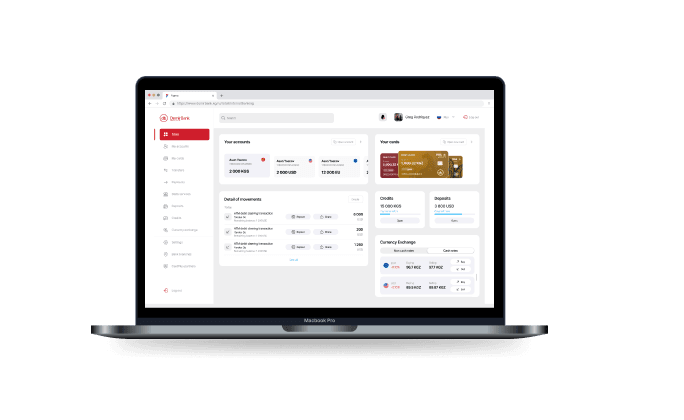
Advantages

Online access to bank accounts 24/7 (access at any time)
Online access to bank accounts 24/7 (access at any time)
Online access to bank accounts 24/7 (access at any time)

Full control over cash flows and account balances
Full control over cash flows and account balances
Full control over cash flows and account balances

Easy to use with QR. All you need is your mobile banking
Easy to use with QR. All you need is your mobile banking
Easy to use with QR. All you need is your mobile banking
Possibilities
- Obtaining information about the Bank's exchange rates and the official exchange rates of the National Bank for the date of interest
- Transfers in national currency via clearing and gross settlement systems to third-party accounts in other commercial banks
- Currency exchange transactions (within the limits established by the Bank)
- Intra-bank transfers to your own accounts and to third party accounts in DemirBank
- Possibility to print the history of cash flows
How to connect Internet Banking?
STEP 1
Open a current account at any branch of the Bank or become a customer remotely through DemirBank Mobile Banking
STEP 2
Download DemirBank Mobile Banking from App Store, Google Play or AppGallery. Log in to Internet Banking
STEP 3
Open your DemirBank Mobile Banking. Scan the QR code on the website
STEP 4
Enjoy all the possibilities of Internet Banking
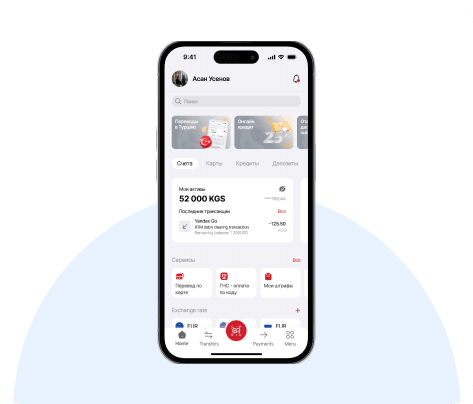
* To connect to Internet banking, we recommend that you read the user manual
Useful information
Service points
Loading