Internet Banking
Taxes
Pay your taxes online – quickly and conveniently! Now you can calculate and pay taxes directly through DemirBank’s Internet Banking in the “Government Services” section. This feature works for all types of tax payments.
Payment for other types of taxes:
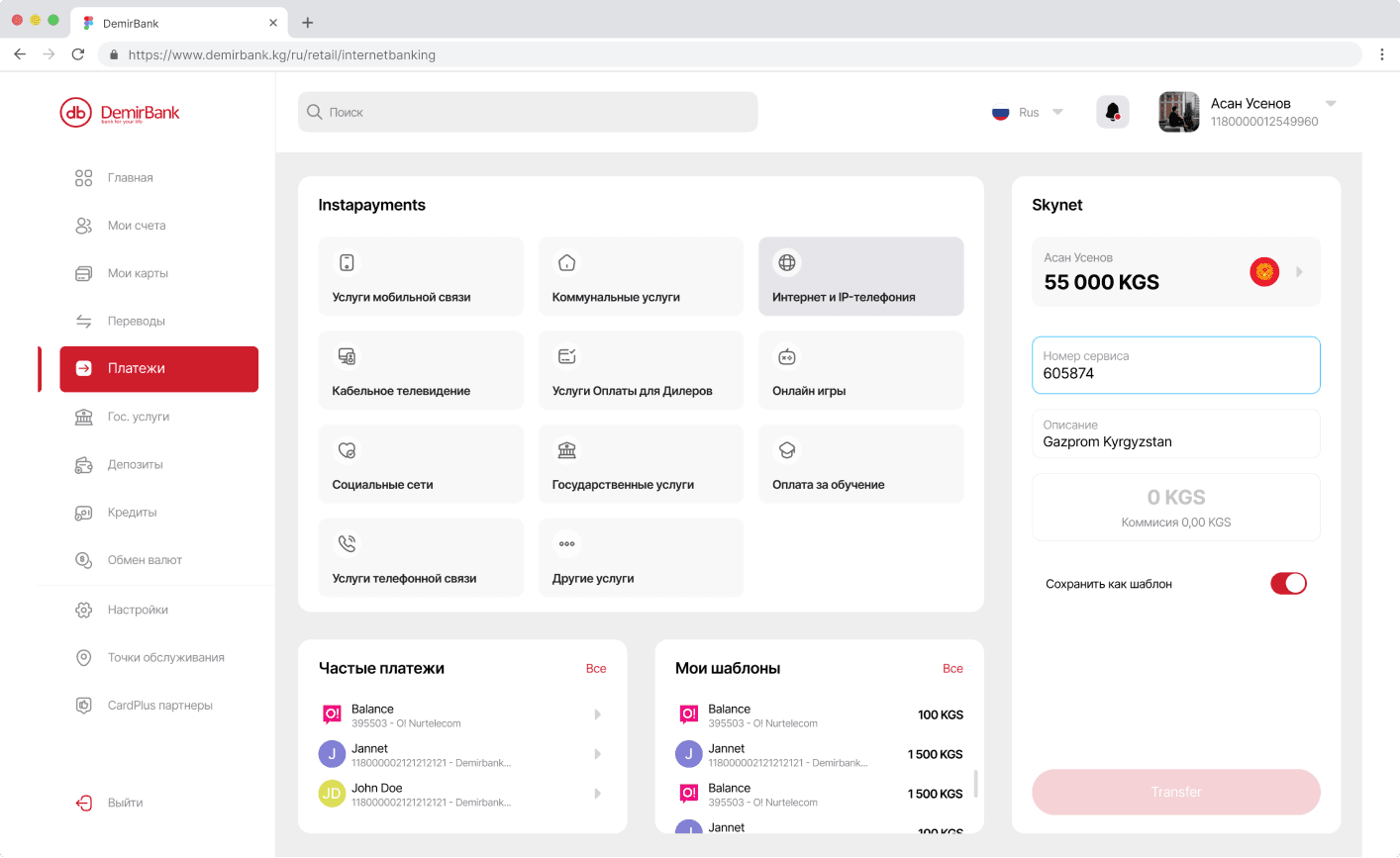
- Check your Tax Identification Number (TIN) or enter a different one;
- Select your district and rural municipality;
- Select the type of tax and budget classification code;
- Read the tax payment rules and check the box to confirm;
- Enter the required amount and click “Continue”;
- Review the details and click “Confirm” – done!
Payment for real estate:
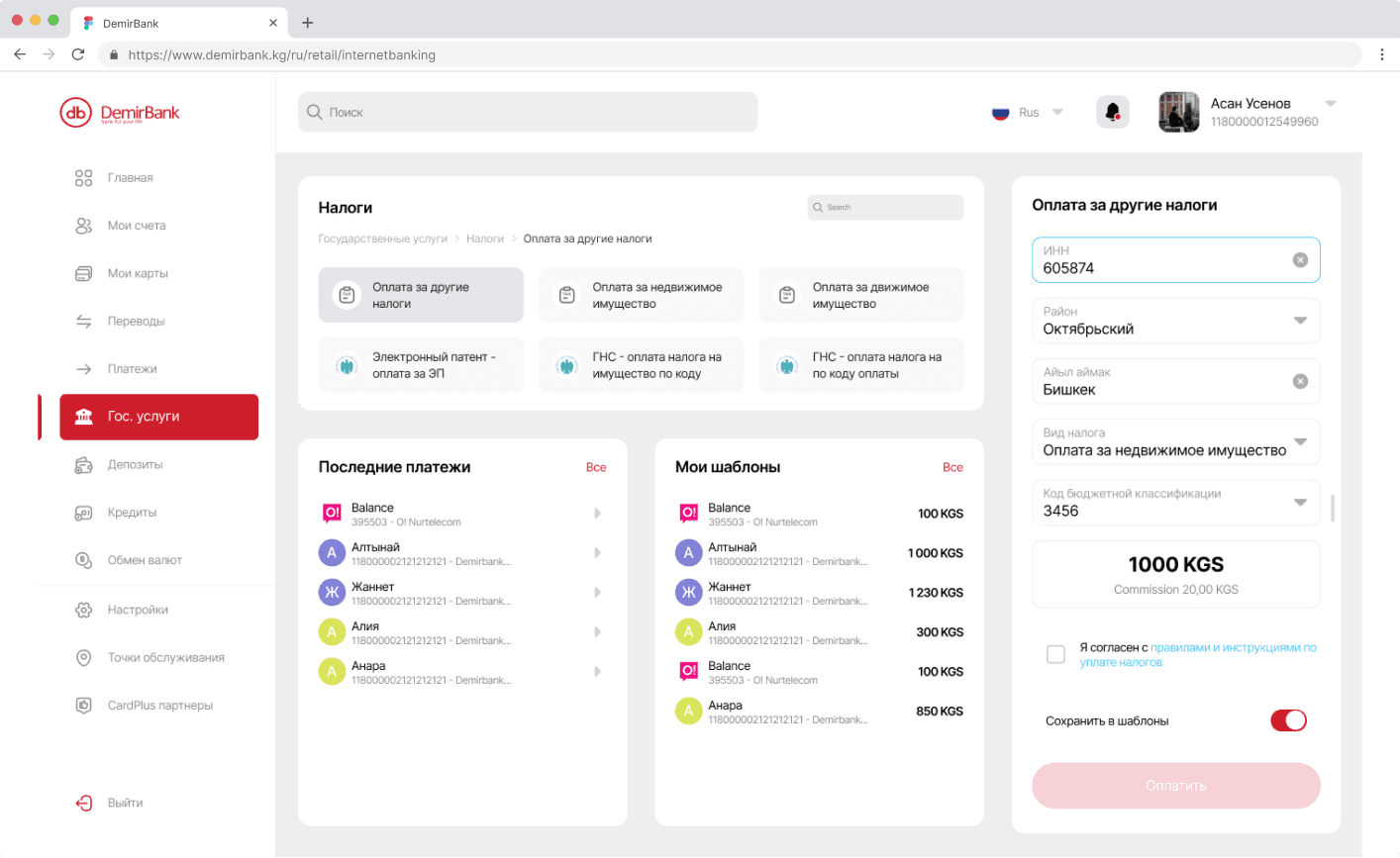
- Check your TIN or enter a different one;
- Enter the ENI code of the property;
- Select the tax period and property type;
- Enter additional coefficients;
- Read the tax payment rules and check the box to confirm;
- Click “Calculate Tax Amount”;
- Review the calculation and click “Confirm” – done!
Payment for movable property:
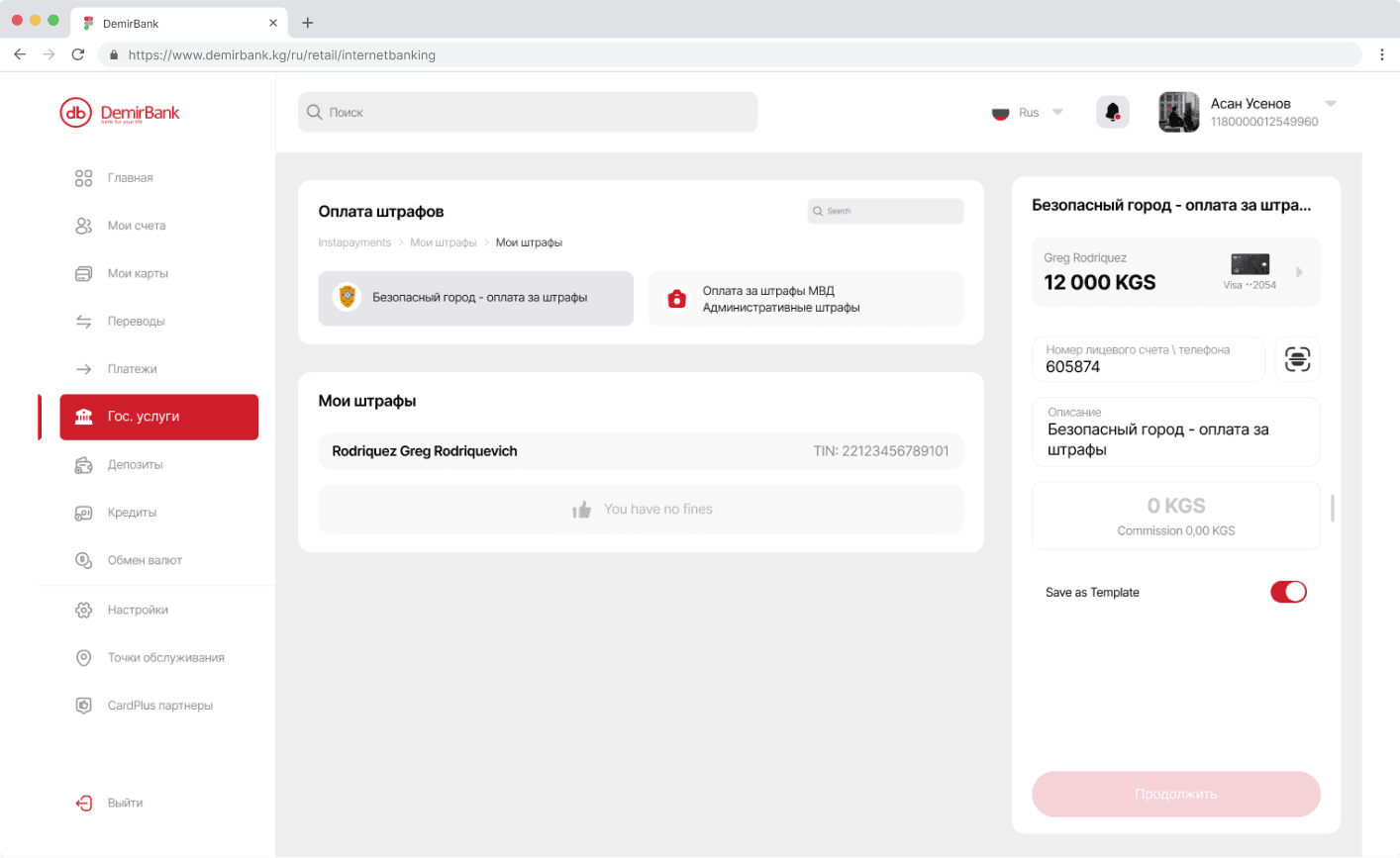
- Check your TIN or enter a different one;
- Enter the vehicle registration number;
- Select the tax period and type of transport;
- Read the tax payment rules and check the box to confirm;
- Click “Calculate Tax Amount”;
- Review the calculation and click “Confirm” – done!
After successful tax payment, you will receive a confirmation and can immediately print the receipt.
DemirBank’s tariffs for money transfers
What taxes can be paid with use of the Internet Banking?
| Types of taxes that individuals and individual entrepreneurs can pay with use of the Internet Banking | Tax payment term |
| Agricultural land tax | 1) 20% of the tax – no later than the day following April 25 of the current year; 2) 25% of the tax – no later than the day following August 25 of the current year; 3) 55% of the tax – no later than the day following November 25 of the current year. |
| Non-agricultural land tax | Quarterly, no later than the day following the 20th day of the first month of the current quarter |
| Land tax for the use of household plots (includes house, household and garden plots) | Annually, no later than the day following September 1 of the current year |
| Tax on a real estate not used for business activities | Annually, no later than the day following September 1 of the current year |
| Tax on a real estate used for business activities of group 3 | Quarterly, no later than the day following the 20th day of the third month of the current quarter in equal installments during the current year |
| Tax on vehicles of individuals | Annually, no later than September 1 of the current year |
| Mandatory license tax | - |
| Voluntary patent tax | - |
| Income tax for hired workers (for individuals working under a license) | - |
What is the fee for paying a tax?
| If the tax amount is | Fees* | |
| up to 5,000 soms | 5,1 soms | |
| 5 001 – 20 000 soms | 10,2 soms | |
| 20,000 soms and higher | 15,3 soms | |
| (*) - taking into account all taxes and charges specified by the legislation of the Kyrgyz Republic | ||
The date of completion and the status of the payment depend on the time of its processing
| If the tax amount is | Fee* | |
| up to 5,000 soms | 5,1 сом | |
| 5 001 – 20 000 soms | 10,2 soms | |
| 20,000 soms and higher | 15,3 soms | |
| (*) - taking into account all taxes and charges specified by the legislation of the Kyrgyz Republic | ||
Instant Online Payments
Pay for any services quickly and easily with DemirBank's Internet Banking!
You have access to:
- 24/7 access to payments
- 300+ service providers – from mobile operators to utility payments
- Real-time tracking of payment statuses
Pay for the necessary services in just three simple steps:
- Select your KGS account;
- Choose the service to pay for and enter the amount;
- Confirm the payment.
After payment, you will instantly see the status of the transaction in your Internet Banking.
Minimum payment amount:
All DemirBank cards (except Elcard payment system cards) are protected by 3D-Secure technology for safe online purchases. When making payments on websites that support 3D-Secure, you will receive an SMS with a confirmation code on your phone. This helps protect your payments from fraud.
Important:
- On websites with 3D-Secure, you can pay instantly – no need to manually enable online payment access
- On websites without 3D-Secure, you need to first enable online payments through the bank
You can enable online payment access in two ways:
- Visit any DemirBank branch and sign an application.
- Send an email to customercare@demirbank.kg to receive the application form.
IMPORTANT! Make sure your email and phone number match those registered in the bank’s database.
